
The social media content library creators copy from.
Search and filter thousands of viral TikTok posts. Stack filters by niche, monetization, date, and slide count — then copy any slideshow into the editor with one click.
TikTok is where short-form trends originate, so a post that's gone viral here has a very high chance of going viral on Instagram Reels and YouTube Shorts too. Copy the format once, ship to every platform you've connected.


Used by 6,046 creators
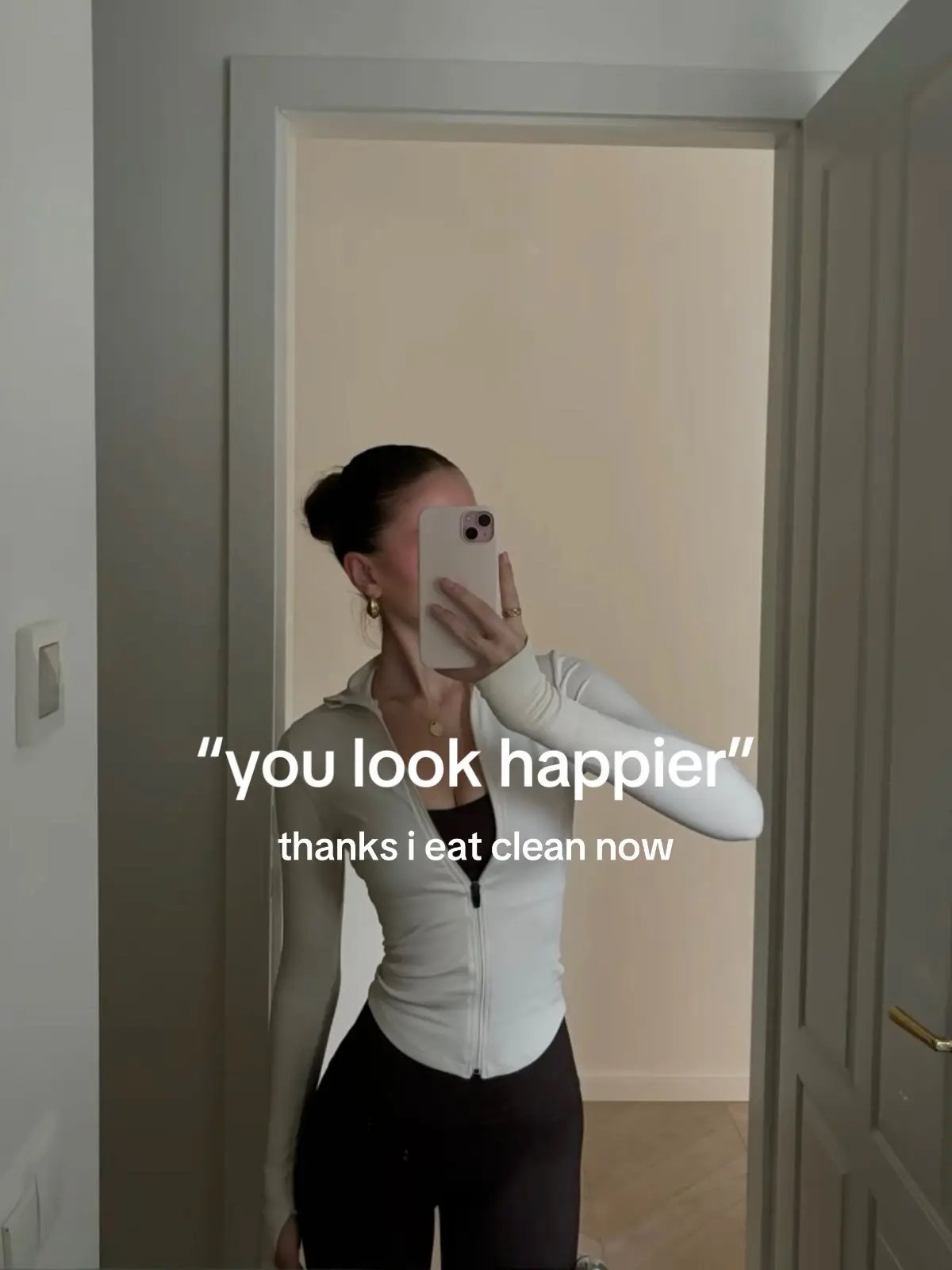 Health & Wellness6/6
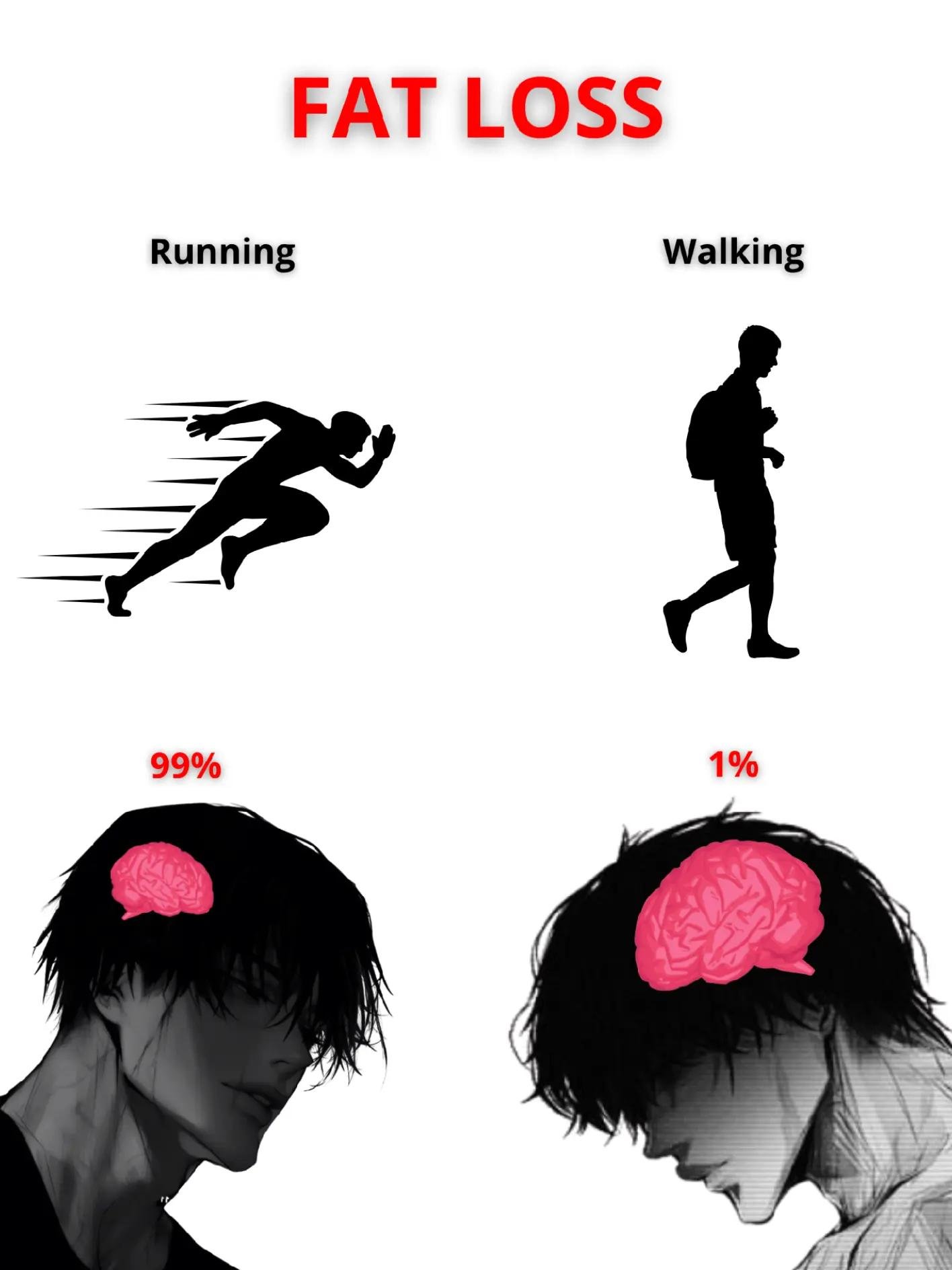 Personal Development6/6
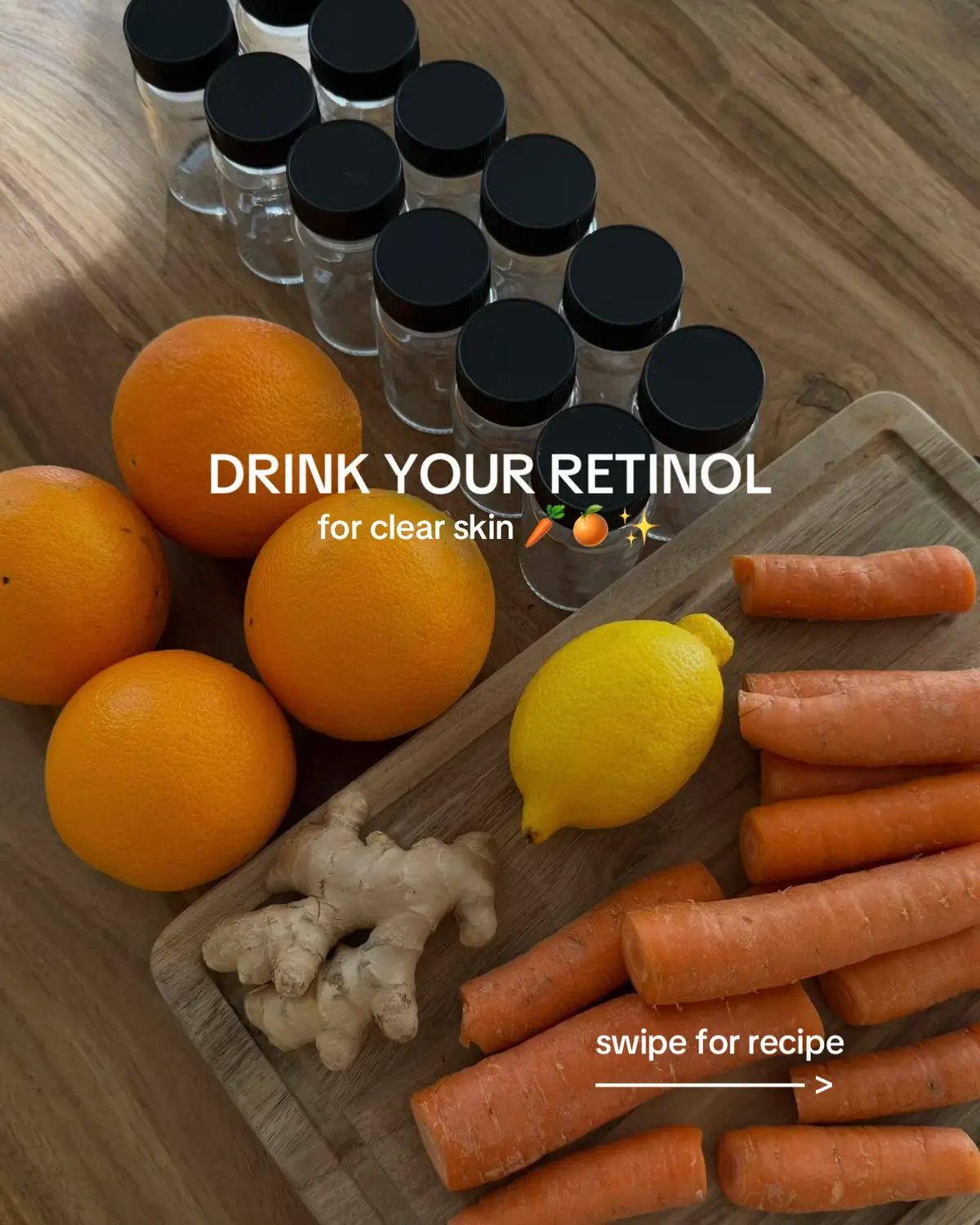 Health & Wellness13/13
 Beauty & Fashion7/7
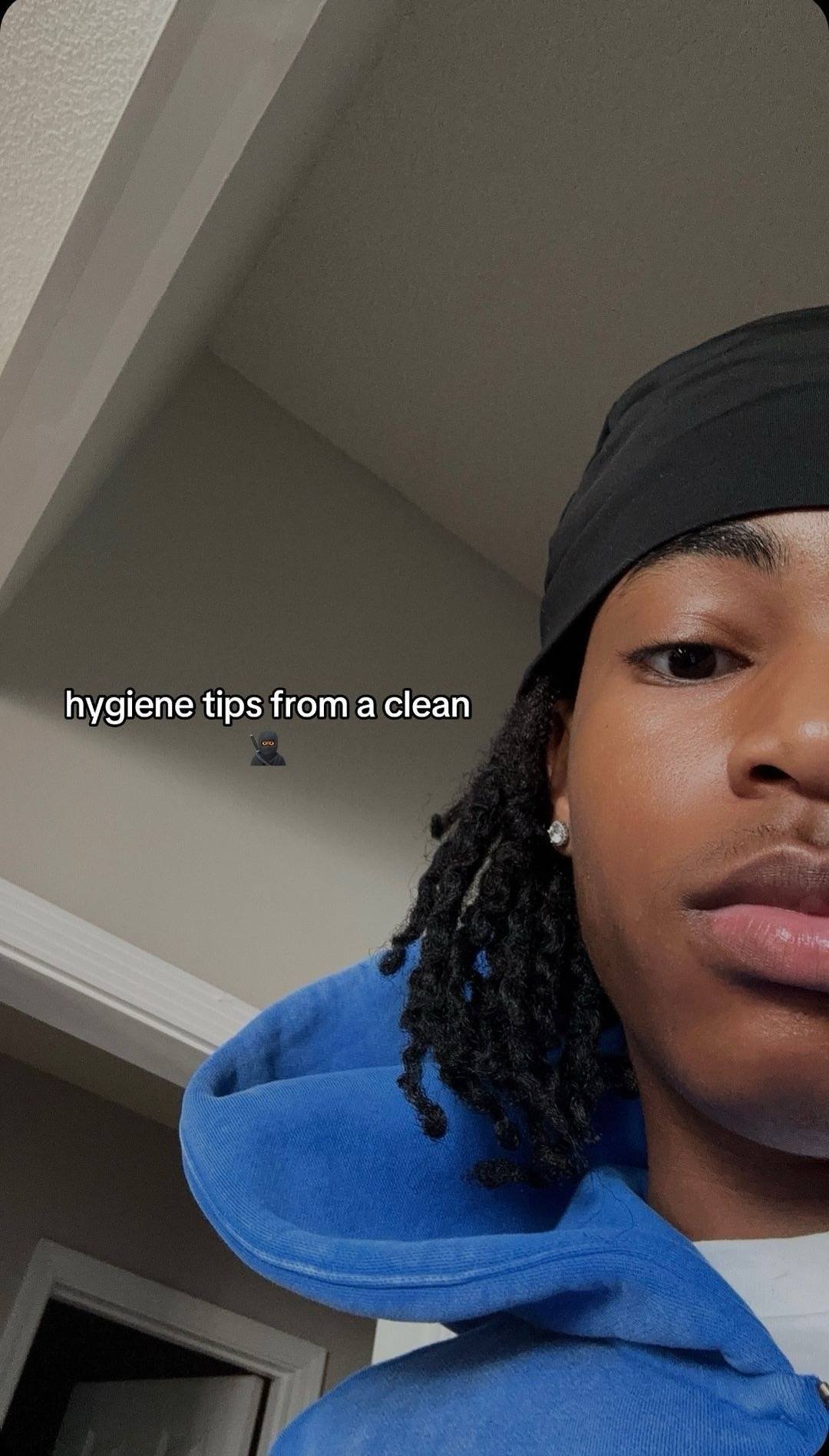 Health & Wellness8/8
 Fashion & Beauty11/11
Used by professionals at


Don't just look at it. Play with it.
Real search across hooks, captions, hashtags, creators, and products. Real filters for niche, monetization, slide count, and content type. Click any card to open details and copy it into the editor.
Search. Filter. Copy. Three steps to your next viral post.
See the real product walk through each step — from keyword to scheduled post.
From inspiration to scheduled post in one tool.
Most content libraries hand you a swipe file and stop there. Genviral closes the loop: find a viral slideshow, copy it into the editor, swap your assets, schedule it across every connected account.
- Search by keyword across hooks, captions, hashtags, and creators
- Filter by niche, monetization, date, slide count, or platform
- Sort by the engagement metric that matters to your strategy
- Save winning posts to revisit when you sit down to create
- Copy any slideshow into the editor with one click
- Schedule the result across every connected social account
Pick the plan that fits your workflow.
Content library Questions
Everything you might wonder before searching your first viral post.
What is a social media content library?
How does Genviral's content library help me grow on social media?
Can I search the library by keyword?
What filters can I apply?
How does the 'Use as Template' copy slideshow feature work?
Where does the viral content come from?
Does the library cover Instagram?
Can I save posts I want to come back to?
Is the content library included in every plan?
Still have questions? - we respond fast.
Scale your output.
Slash your costs.
Replace your entire content team with one intelligent OS. Get agency-level output for a fraction of the cost.